Quick Start
Set up your first test, step by step.
The steps below follow a test that ran on TestSafe. In a shopping app called ShopGo, it finds that choosing size XL and tapping Add to cart crashes the app. Next to each step is what you will see on screen at that moment.
Create your account
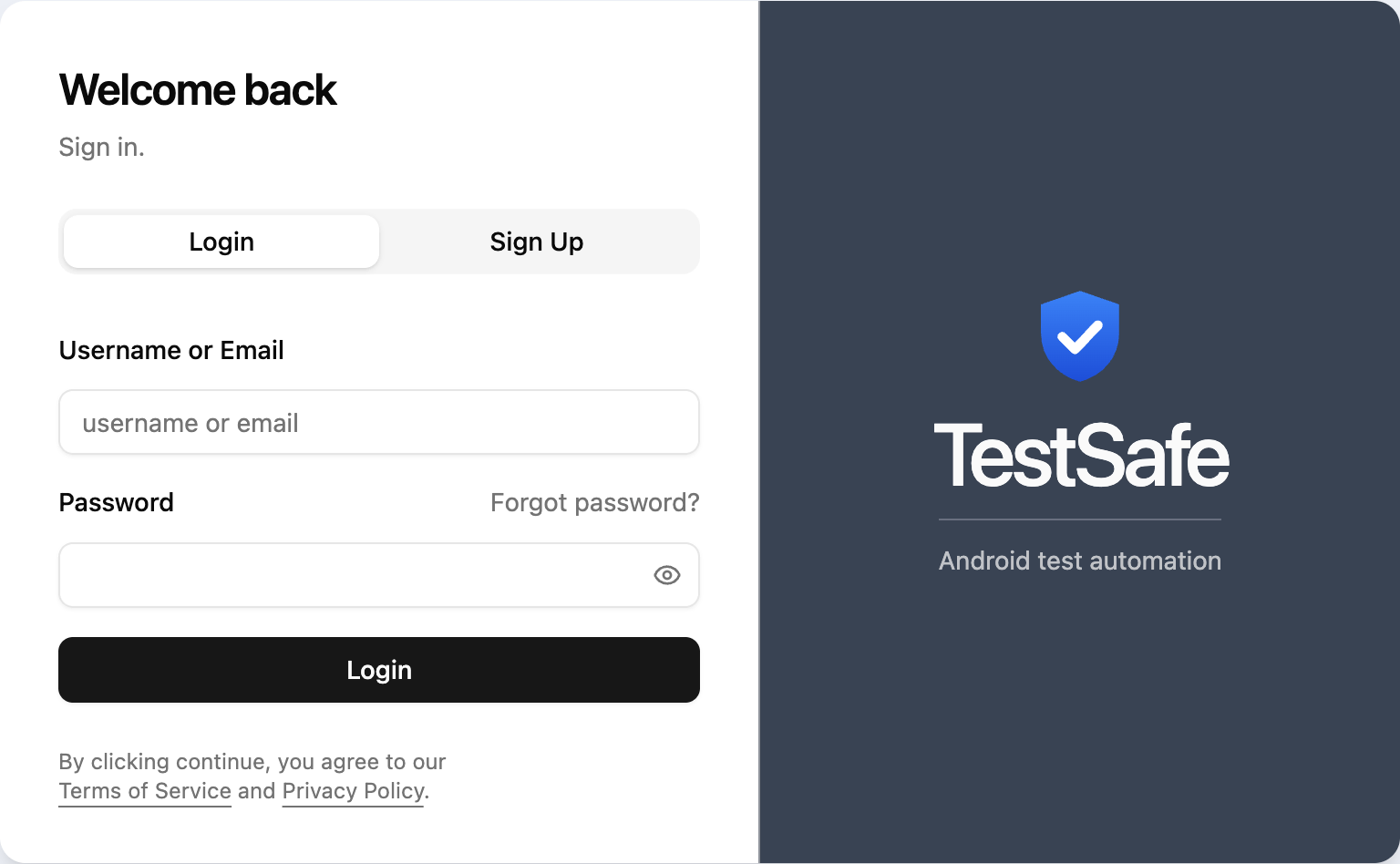
Open the Sign up tab and create an account with your email, or sign in with an account you already have.
Upload your app
On the Apps screen, drag your app onto the upload area. When you upload new versions of the same app, they are grouped under that app.
Drop your app here
v1.0.3UploadedWrite what to test
Add an AI Instructions box to the scenario and write what you want done in a plain sentence. For more than one step, connect the boxes in order. When the test finishes, the result sits in the corner of each box. A step that passed gets a green tick, the step where the bug came out gets a red cross.
Test Agent →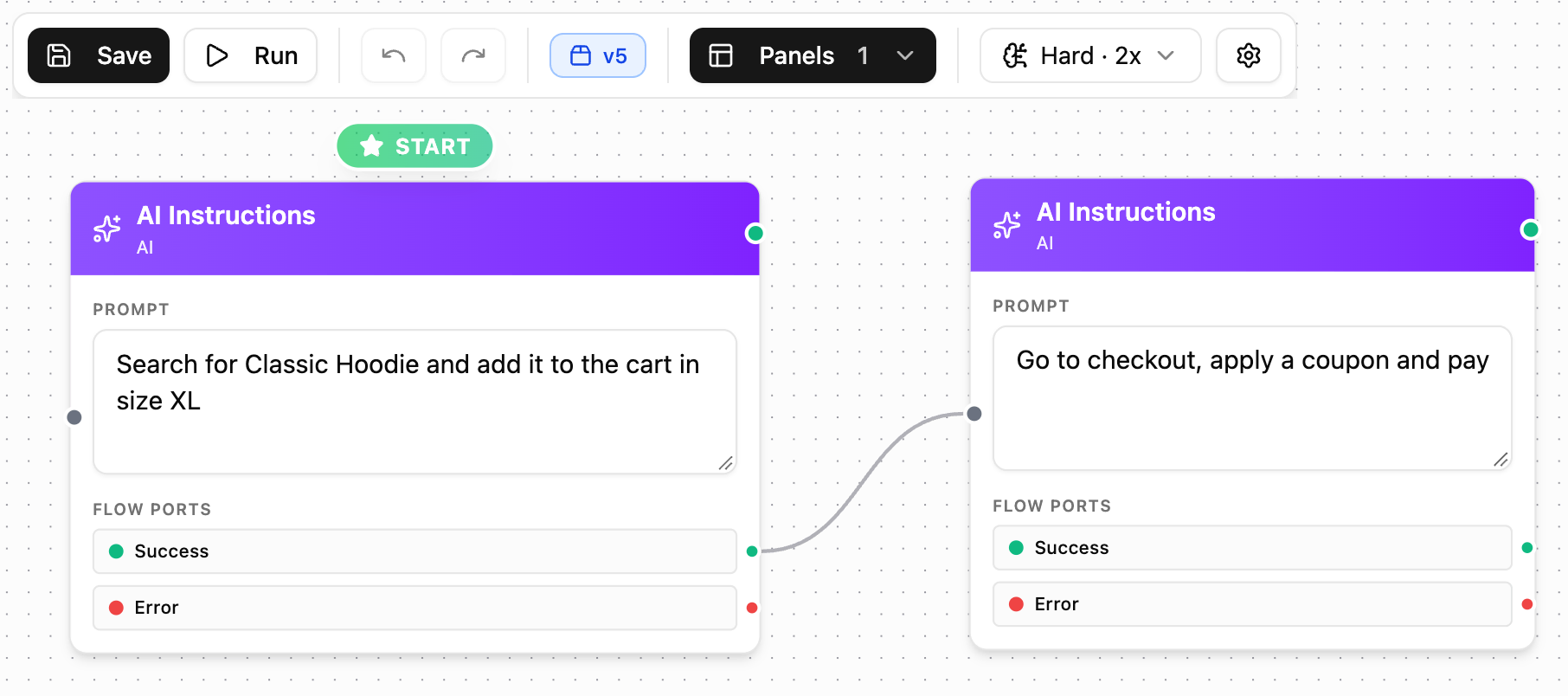
Set up the phone, if you need to
On the Environments screen you choose the state the phone is in. Its language, battery level, signal strength and more. You reuse the environment in every test. If nothing special is needed, go on with the default device.
Device Conditions →
Run it and watch the phone live
When you press Run, the Device Controller opens on the right and you see what the agent does on the phone as it happens. Here the agent chose size XL and tapped Add to cart, and the app closed with a “ShopGo has stopped” dialog.
Cloud Devices →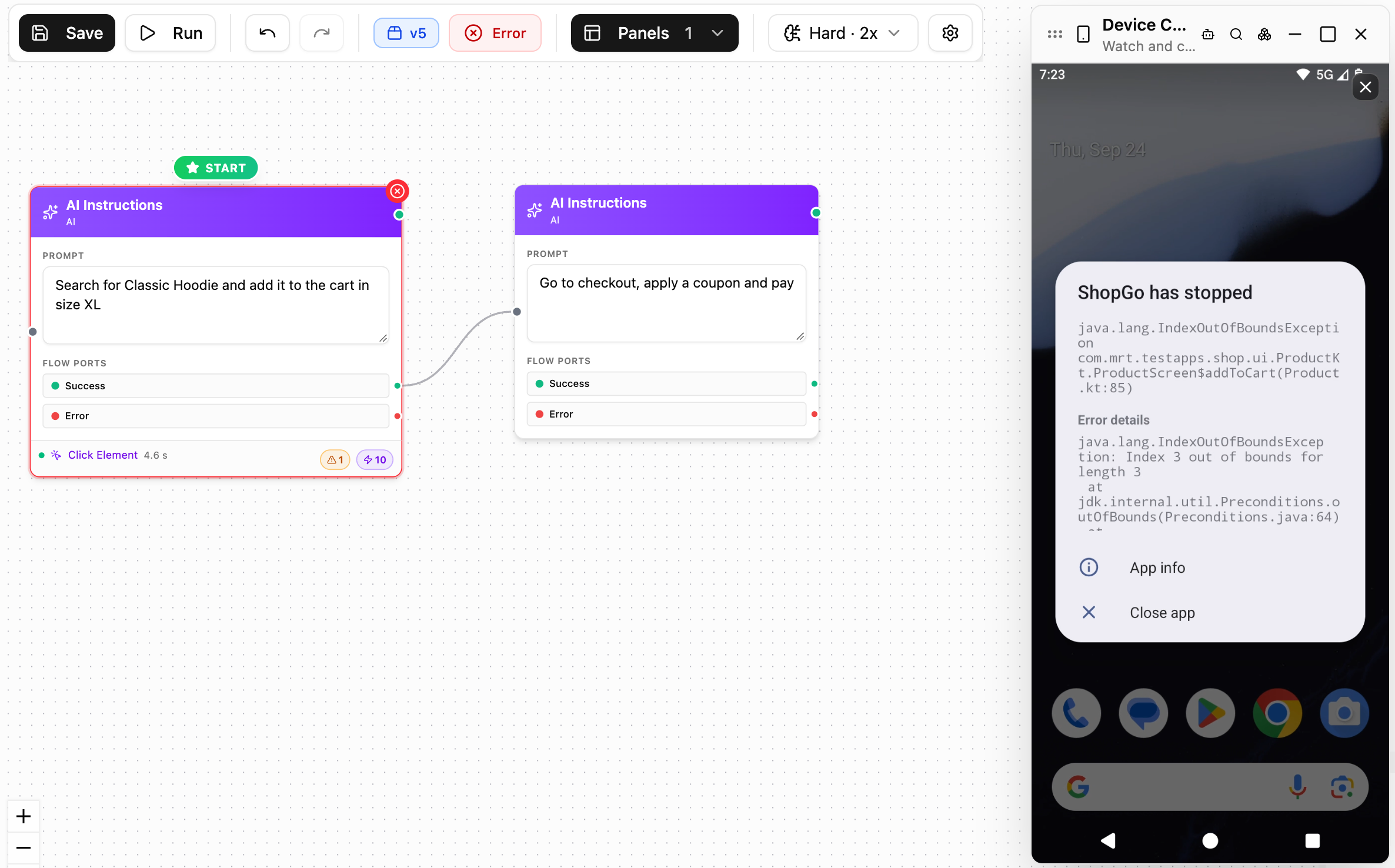
Read the report
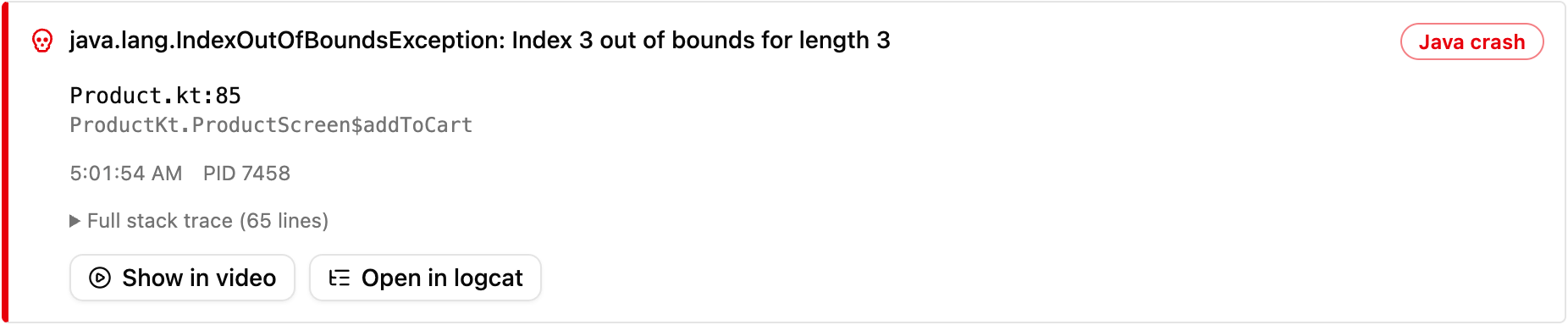
When the test ends, the report is ready. The Summary tab explains the result and the bug in plain words. The Steps tab shows how long each step took, where the agent tapped and which screen of the app the crash came from.
Reports →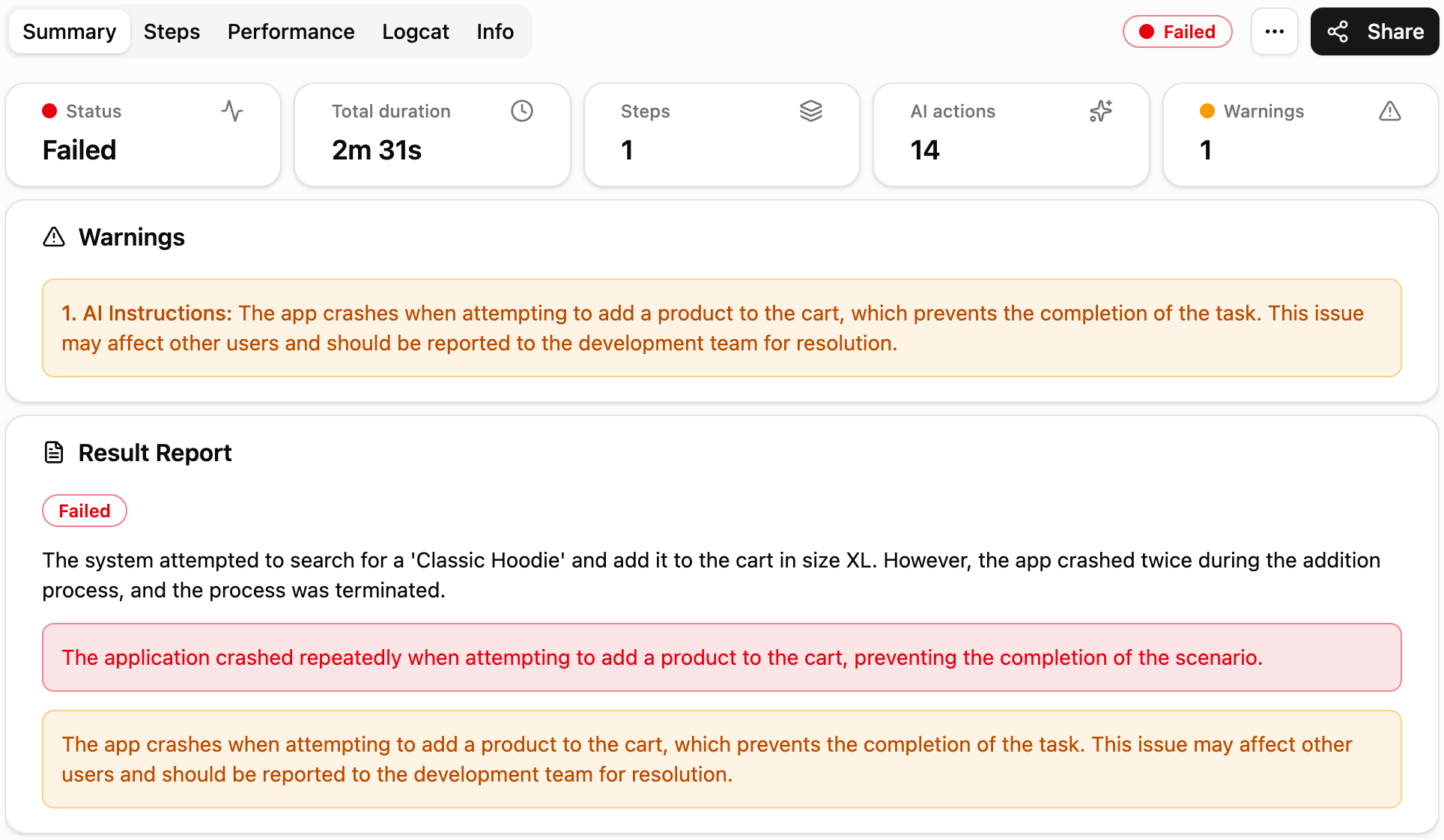
Send the results to your team
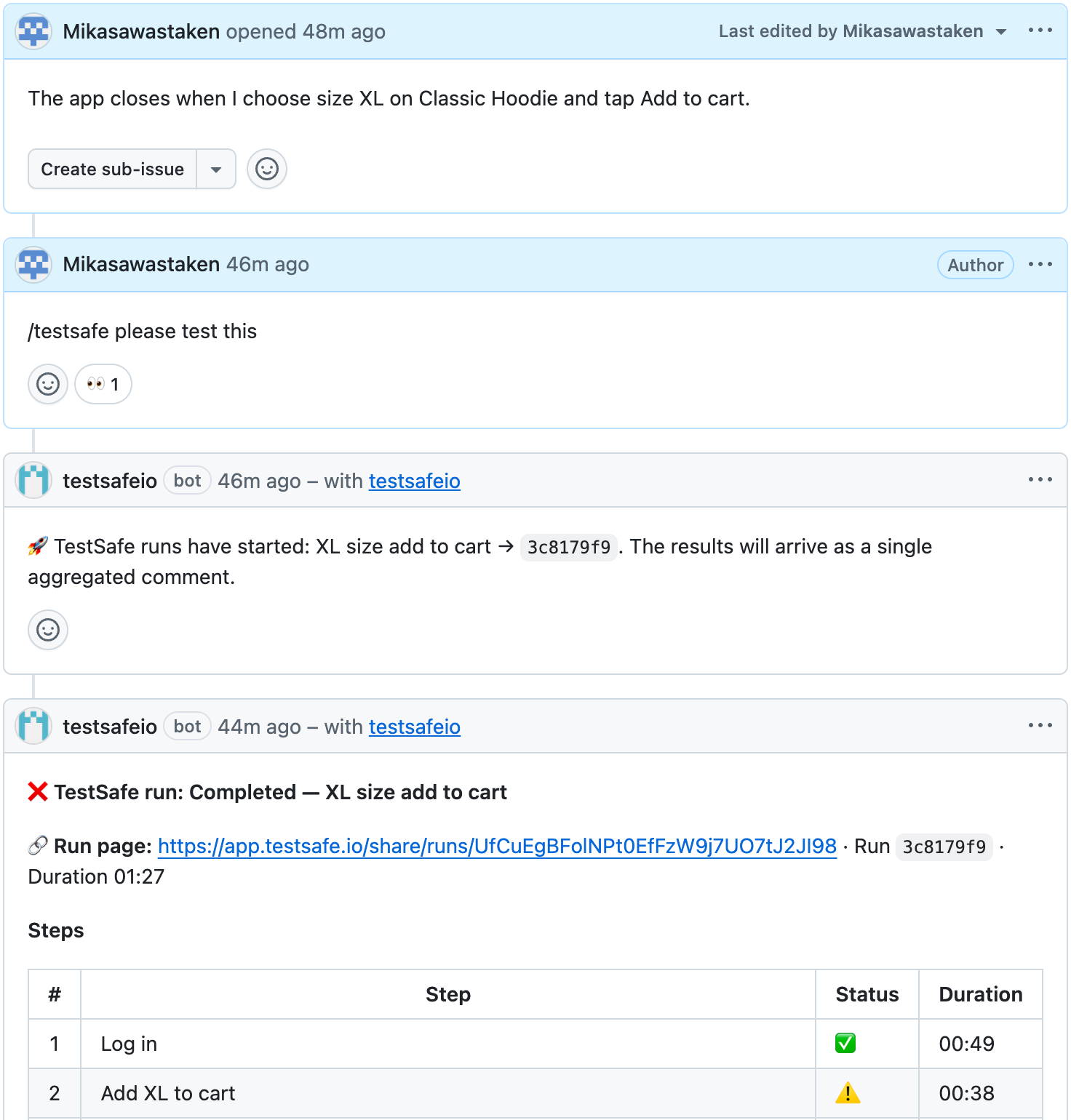
Connect GitHub, Slack or Jira from the Integrations screen. On GitHub you start a test with a comment on an issue, and the report arrives in the same thread. In Jira an issue is opened, and Slack gets a notification.
Integrations →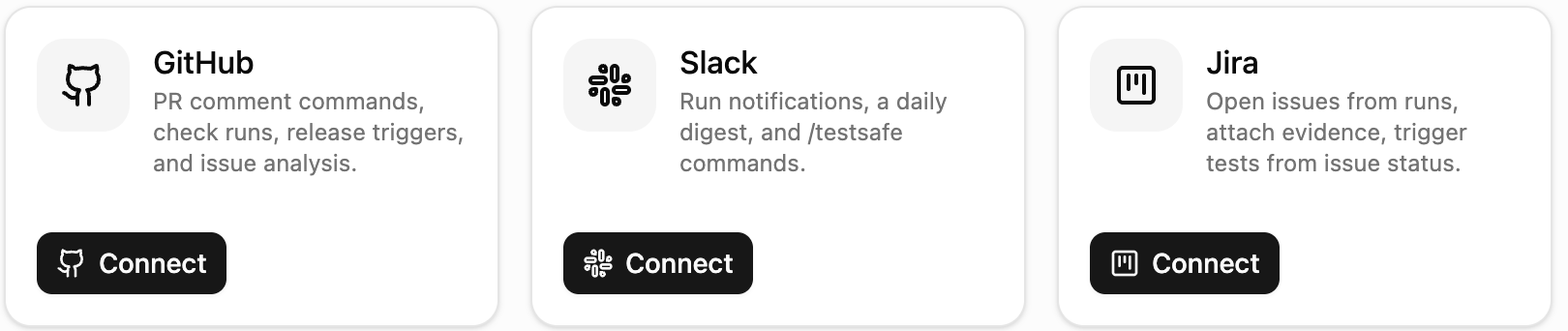
Let's set up your first test together.
Tell us about your app, we'll write the scenario with you and watch the result live.